
In this guide you will learn how to install Webex on your computer
- Open https://www.webex.com/downloads.html
- Click "For Windows (64 bit)" If using Chrome download will pop down at the bottom of the Chrome window, if using Edge download will appear in the download bar top right of your Edge window.
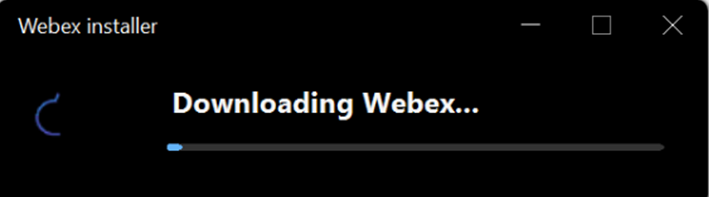
- Double click download to start installing Webex
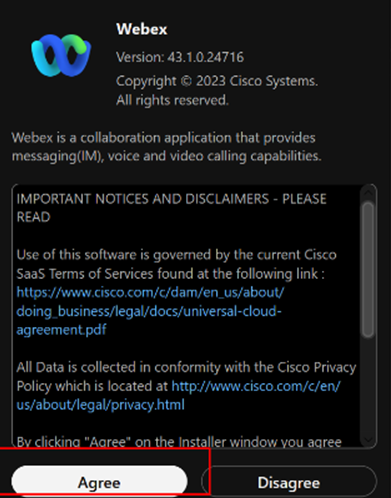
- Click Agree om the End User Agreement
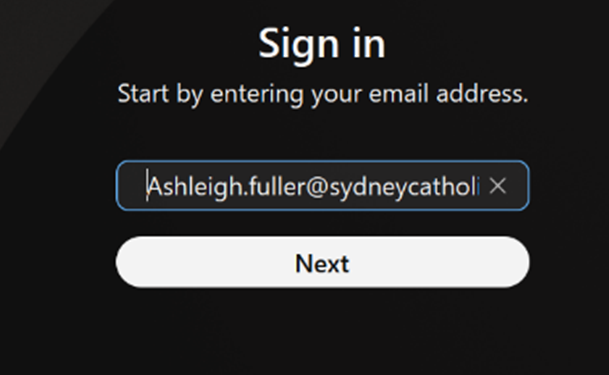
- Click Sign in

- Enter your email address
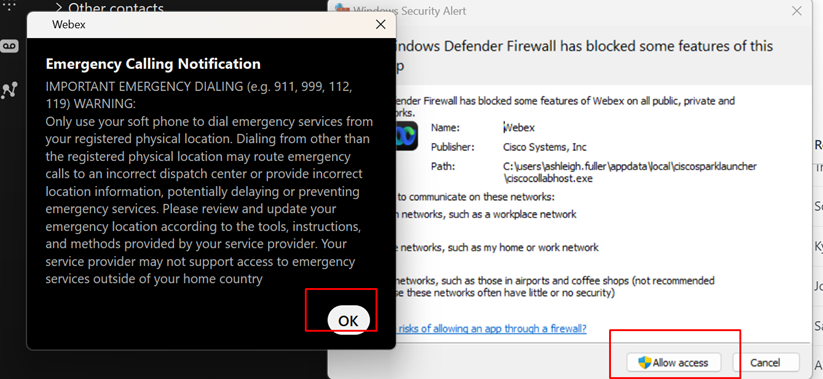
- Click ok for Emergency Calling and to allow access on Pop-ups
Other Webex Articles:
Comments
0 comments
Please sign in to leave a comment.